EQ
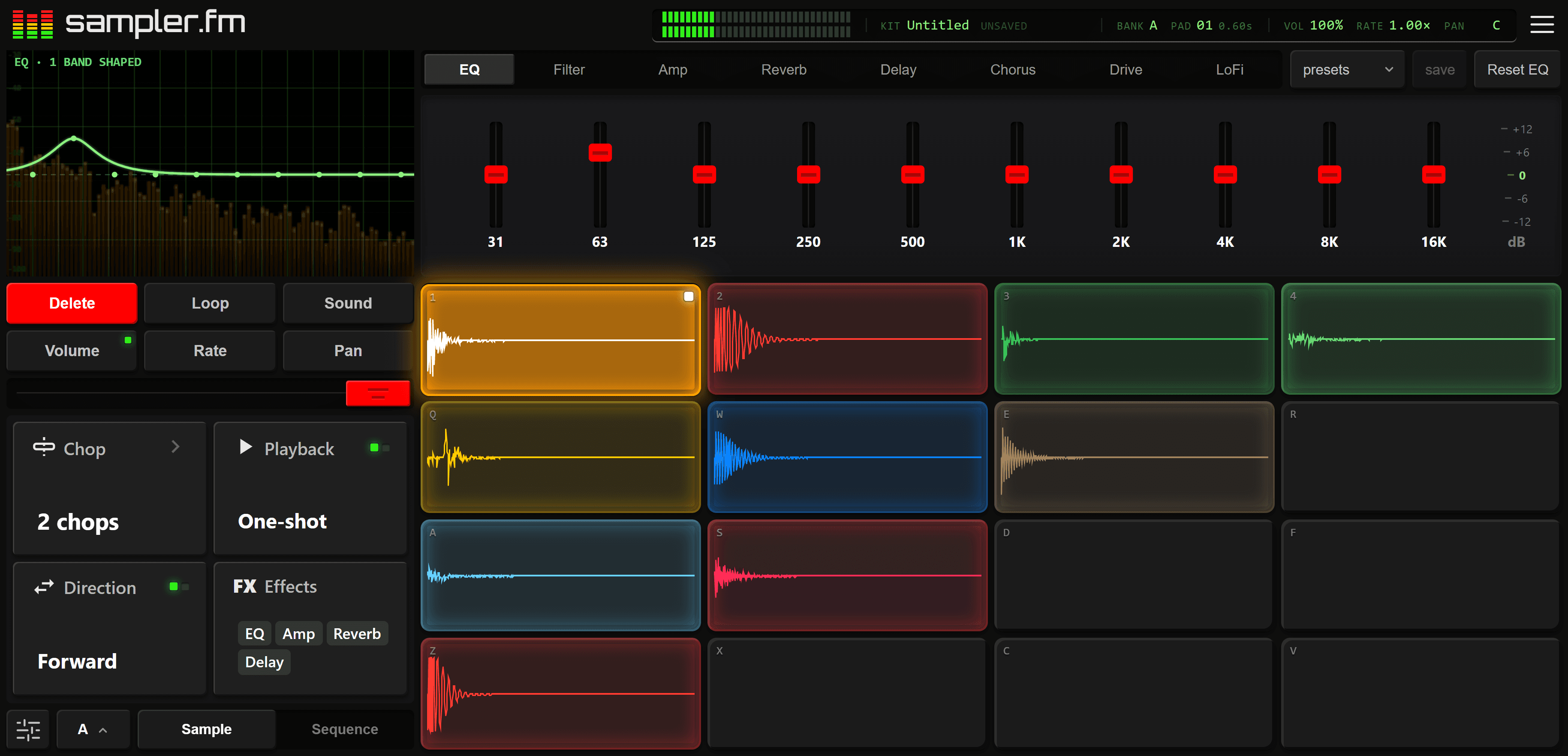
Carve out room for the kick, take the mud out of a sample, put air on the hats.
Record, upload or generate a sound, chop it across sixteen pads, run each through its own chain of effects and sequence it into a beat. Free on your phone and laptop.
No account needed to start playing.
Phone and laptop
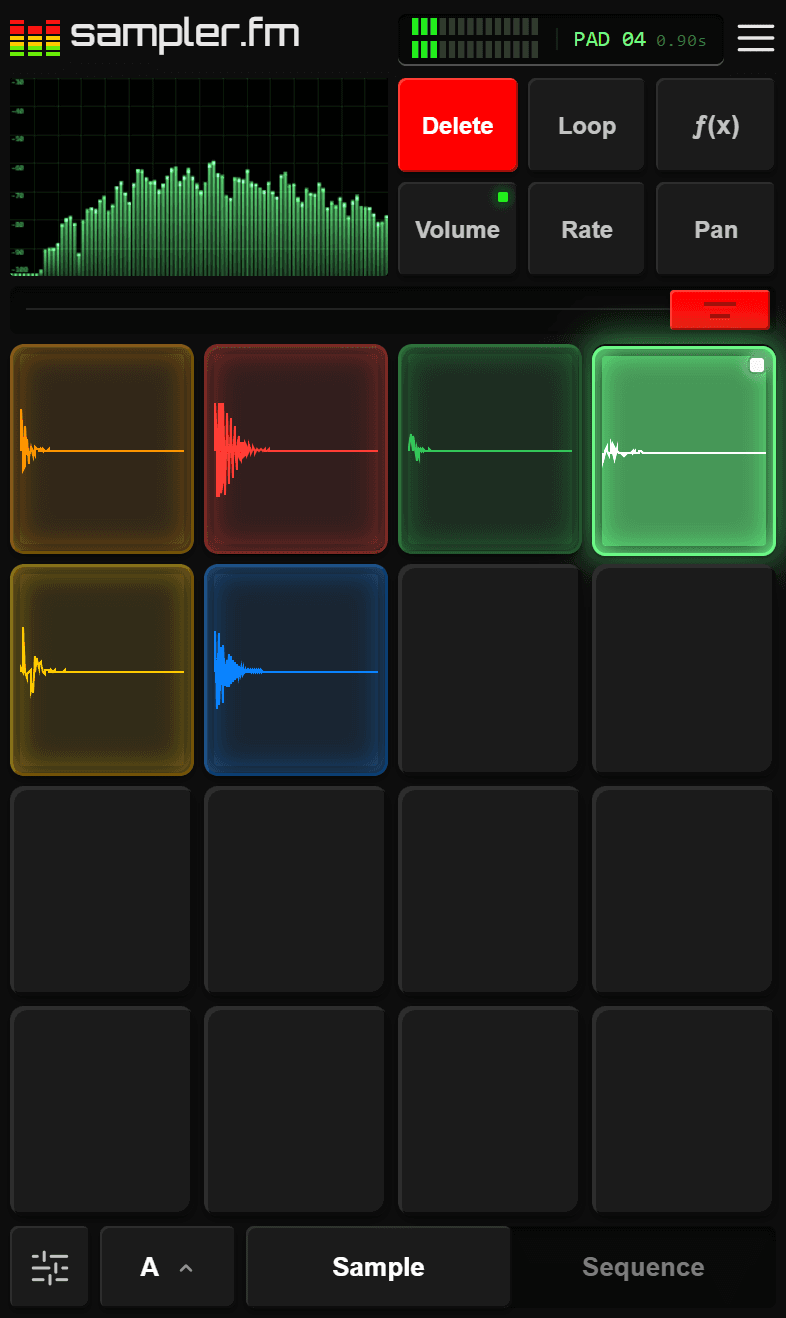
Nothing to install: no app store, no download. Everything loads in the browser and lays itself out for the screen it finds: start on your phone and finish on your laptop.
The kit
Get started quickly with the foundational sounds you need to create a beat, sound is synthesized on the spot — a new variation every time. The pads below are made the same way, try them out.
Chopping
Load something longer — a loop, a voice memo, a record you love — and chop it into slices, each on a pad of its own, to play in any order. Try it on a demo sample below or use your own.
Set a number of evenly spaced chops or drag each one to get a more customized sound. Tap the pads or the waveform to hear each one.
Effects
Each pad carries its own chain of effects, so the kick can stay dry and punchy while the snare sits in a long reverb. Dial an effect in, save it as a preset and drop it onto any other pad.
Carve out room for the kick, take the mud out of a sample, put air on the hats.
Sweep the cutoff from a muffled thump to a thin, telephone sound, and push the resonance to make it sing.
Shape how every hit starts and fades: a soft swell, a clipped stab or a long, open tail.
Put a sound in a space, from a tight booth to a long hall.
Echoes that repeat and fall away, from a quick slap to a long trail.
Thickens a sound with a slow, shimmering wobble, like several playing at once.
Saturation that goes from warm to torn, with a tone control to tame the top.
Crush the bit depth and the sample rate for the grit of an old hardware sampler.
Sequencing
Press Record and play the pads in time or tap hits onto the step grid to build your sound. Loops run from one to eight bars at 40 to 240 BPM, with swing, quantize and tap tempo. Apply effects across the whole loop as it plays for an added mix.
Tap a pad to play it. Press Record and play the pads in time, and your hits land on the screen where you played them.
Questions
The things people ask before they start. For how to do a particular thing, like chopping a sample, the docs have a page for each; for anything else, get in touch.
Yes. sampler.fm is a free online sampler: sampling, chopping, per-pad effects, the step sequencer and exporting your beats as WAV are all free to use. The free plan also allows for three saved kits. An account is only needed to save your work. For more advanced features, see the pricing page.
Most common audio and video files, such as MP3 or WAV audio, and MP4, MOV, WebM, MKV, AVI or FLV video. Files are converted locally and nothing is sent away to be processed.
Everything you make stays fully private until you choose to publish it. Publishing means making it public to anyone with a link and being discoverable on the platform.
Refreshing the page keeps your work: the pads and their audio come back exactly as they were, while closing the tab starts a new session. Saving is what keeps your work alive, synced across all your devices and ready to play at any moment.